
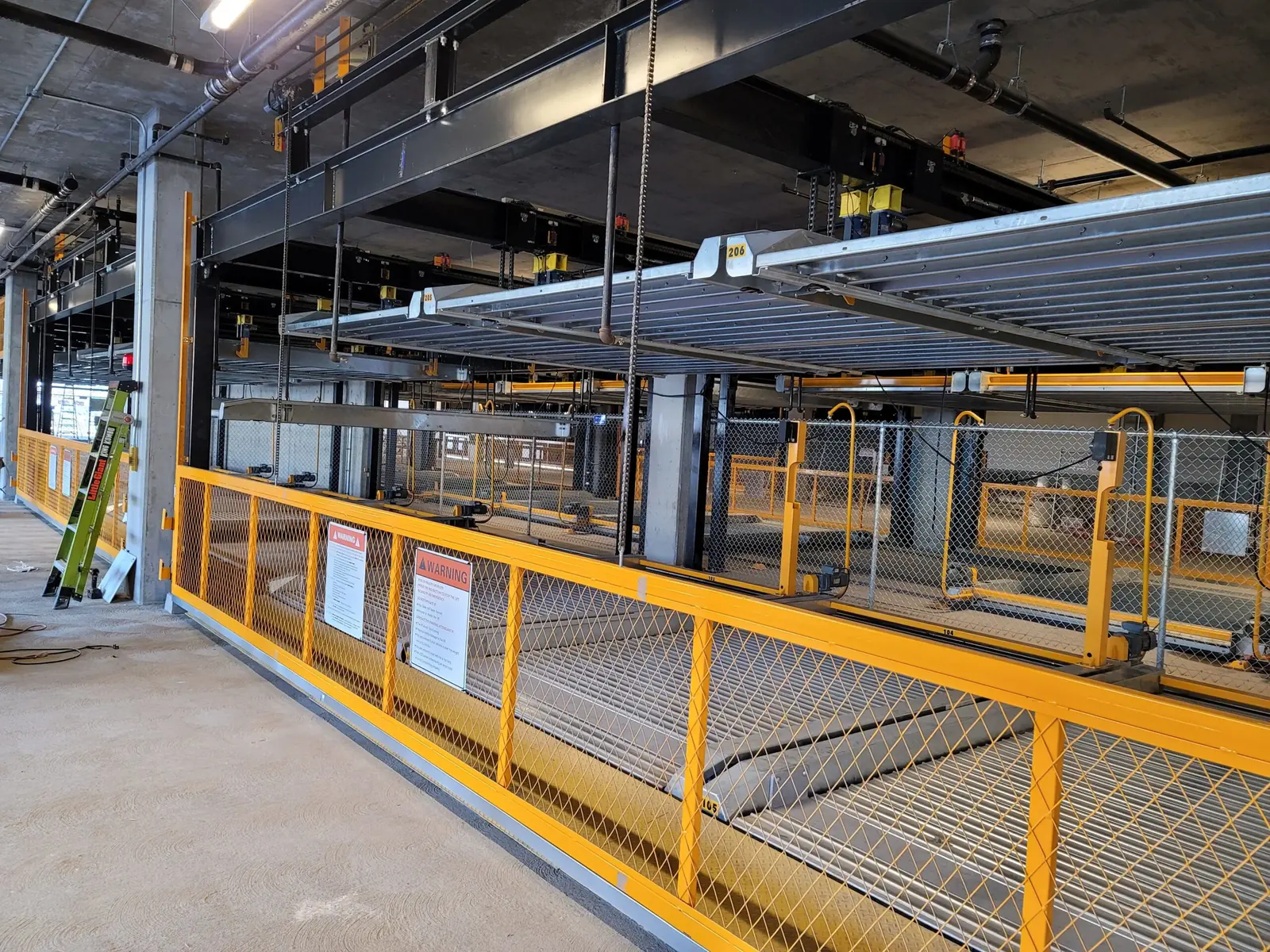
A power interruption in a multifamily stacker garage creates more than a short equipment pause. It can interrupt resident access, confuse on-site teams, and leave the property making decisions in a compressed time window. The best response is not to rush straight to the controls. It is to follow a clear sequence that confirms safety, checks system status, and restores orderly use without creating new problems.
That sequence matters because most interruptions do not happen under ideal conditions. They happen during evening returns, vendor work, storms, utility switching, or building maintenance activity. In those moments, the garage needs a calm operating plan supported by reliable service procedures, clear communication, and a realistic understanding of what staff should inspect before residents start cycling vehicles again.
Start with scene control, not restart pressure
The first responsibility is controlling the area. If vehicles are queued, residents are waiting, or a platform stopped mid-sequence, staff should keep people out of the operating zone until the system condition is understood. That means pausing improvised use, preventing walk-through traffic near moving equipment, and making sure no one treats power restoration as an automatic green light to resume normal operation.
In a garage built around parking stacker operations, even a brief outage can leave users unsure whether a cycle was completed, interrupted, or reset. A controlled pause protects the property from hurried decisions based on assumptions. It also gives maintenance and management teams space to confirm what actually happened.
Confirm what kind of interruption occurred
Not every power event is the same. Some are building-wide outages. Others are isolated to one disconnect, one panel, one controller, or one communication device. Before anyone begins a restart sequence, the property should identify whether utility power is fully back, whether all related equipment is energized, and whether any upstream work is still in progress. A partial restoration can create misleading signs that the system is ready when one important component is still offline.
This is where documentation helps. If the property keeps a simple response checklist tied to the system, staff can compare live conditions against the expected restoration path instead of guessing. When questions remain, a structured preventive service relationship gives the site a faster route to technical confirmation.
Inspect visible conditions before resuming resident use
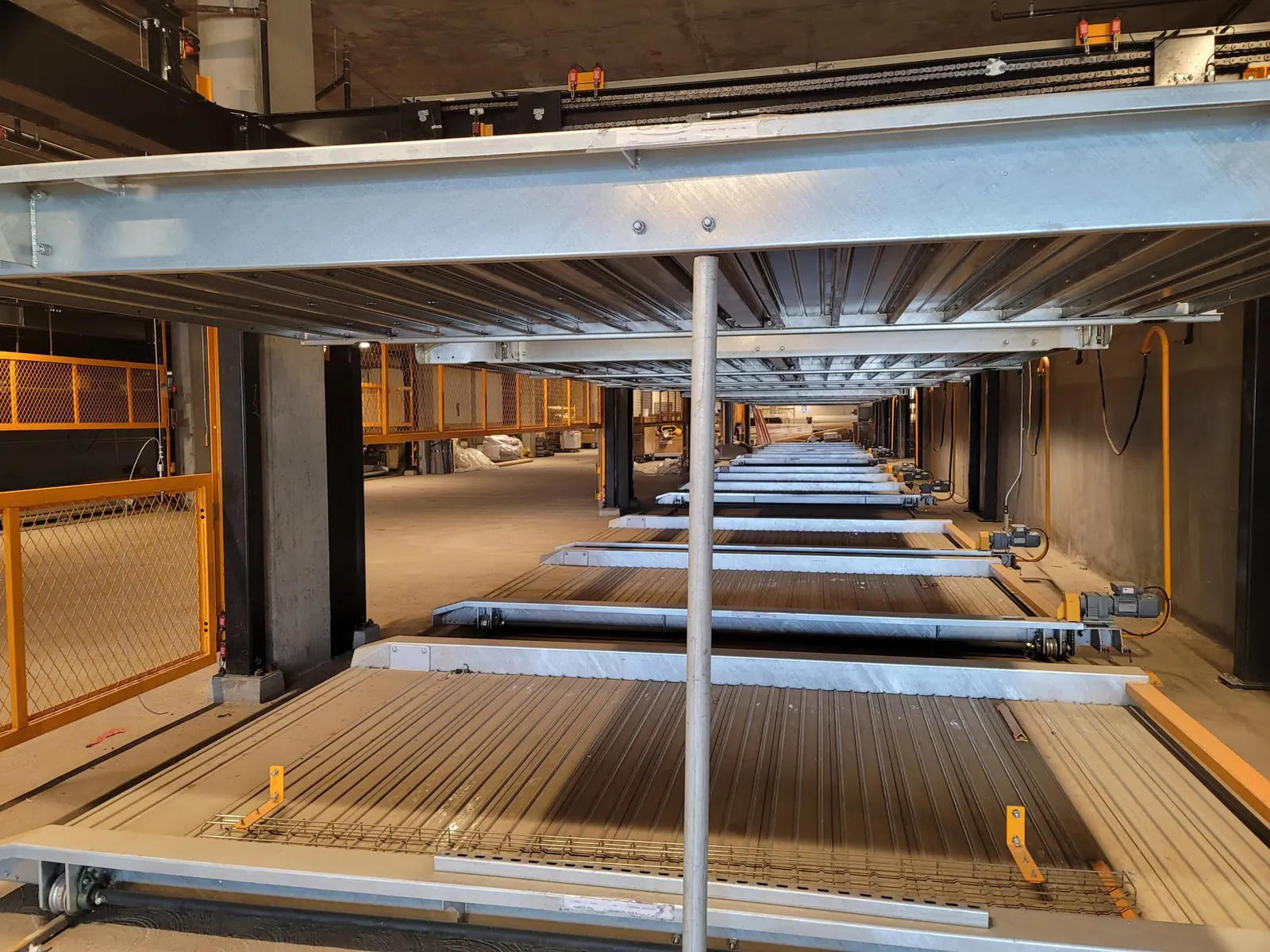
Once power appears stable, the next step is a visual and operational check. Staff should confirm that no vehicle is mispositioned, no gate or barrier is obstructed, and no platform or carrier appears to have stopped in an unusual location. If the site has warning indicators, fault messages, or control-screen alerts, those should be reviewed before normal use resumes. The goal is not deep technical diagnosis by untrained staff. The goal is to catch obvious conditions that make continued use unsafe or confusing.
Properties often lose time here because everyone focuses on the outage itself and not on the garage layout after the event. A resident may have exited a vehicle early. A delivery cart may now be in the wrong place. A door or aisle may be blocked by people waiting for updates. A quick field walk can prevent a minor interruption from turning into a secondary operating issue.
Use remote visibility when the system supports it
If the garage is equipped with remote access or remote support capability, staff should use that resource early. A tool such as the RAUL remote access unit can help the support path move faster by making it easier to review status, confirm controller visibility, or coordinate next steps with the service team. Remote visibility does not replace field judgment, but it can reduce delay when the property needs a clearer picture of the system state.
This is especially useful after short interruptions that create uncertainty rather than obvious damage. A system may look normal from the aisle while still holding a fault, waiting on acknowledgement, or requiring a specific recovery step. Fast coordination between site staff and remote support keeps the response disciplined.
Communicate one resident message, not five versions
Resident communication is often where otherwise manageable outages start to feel chaotic. If staff members give different estimates, different restart rules, or different instructions about vehicle retrieval, the property adds confusion at exactly the wrong time. The better approach is one message: what happened, whether the system is currently available, who is reviewing it, and when the next update will be issued.
That message should be short and operational. Residents do not need speculation about electrical causes. They need to know whether to wait, move a vehicle elsewhere, or expect a follow-up. Consistent communication reduces crowding at the control area and helps protect the operating zone while technical review is underway.
Document the event before details disappear
After access is restored, the property should record the interruption while the details are still fresh. Note the time of the outage, the observed system condition, any alarms or abnormal positions, the steps taken by staff, and whether a technician or remote support path was involved. That record helps if the same issue appears again and makes it easier to separate a one-time utility event from a repeat equipment or coordination problem.
It also supports future planning. If outages repeatedly create the same confusion, the property may need stronger signage, a clearer escalation chain, or a better resident notice template. If the garage depends on rapid follow-up for safe recovery, the site should make that service path obvious to every manager and after-hours contact. The Trivial Company helps teams plan those response steps, coordinate field response through installation and startup support, and maintain dependable automated parking operations. If your property needs support, use the automated parking systems contact page to coordinate the right next step.